How-to Tradesly: Scan a 10-Minute Call in 10 Seconds with Key Points
Manual call review is killing your competitive edge. See how Tradesly's Key Points turns 10-minute calls into 10-second reads so you catch every revenue opportunity before competitors do.
 Vincent WongFounder & Editor-in-Chief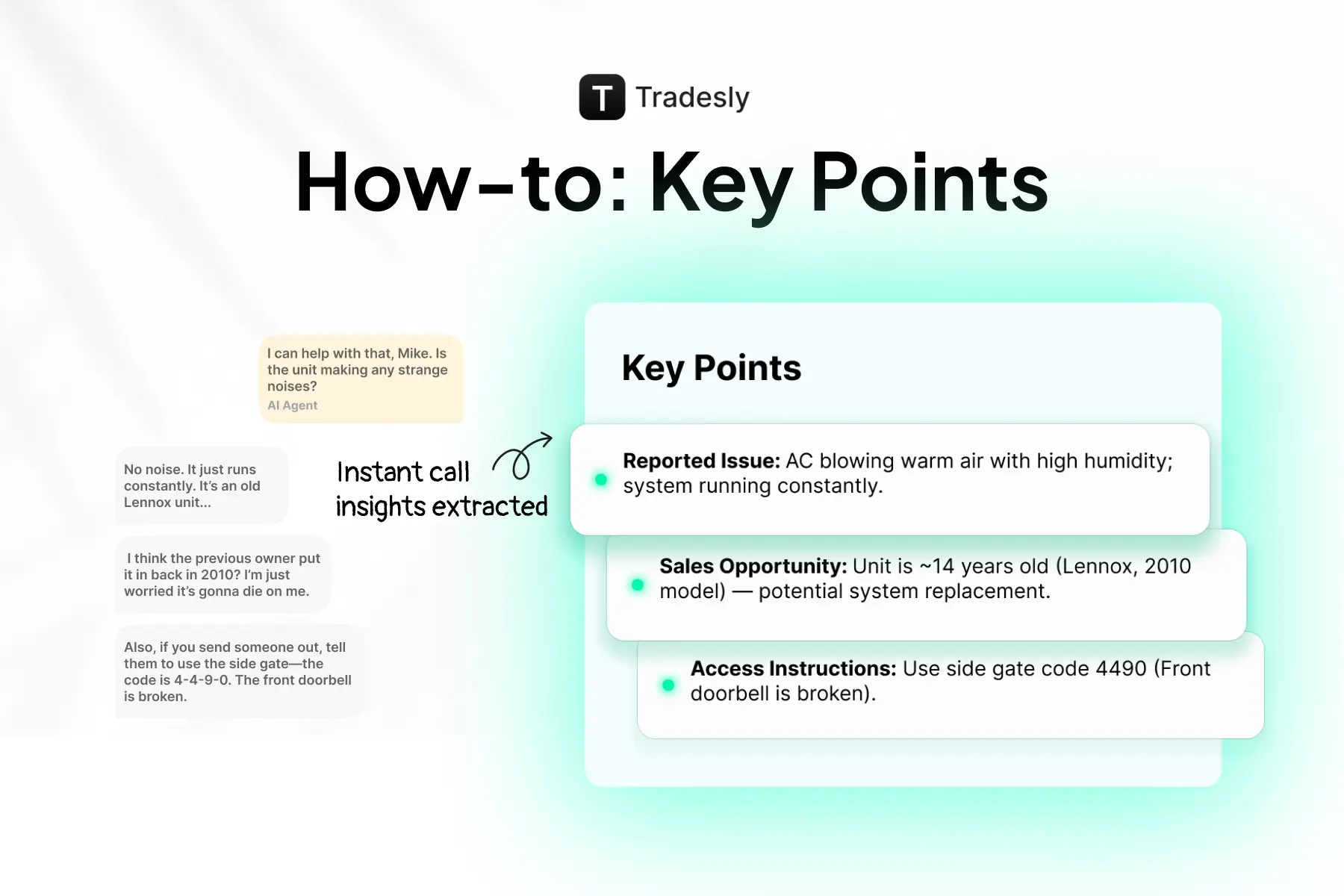
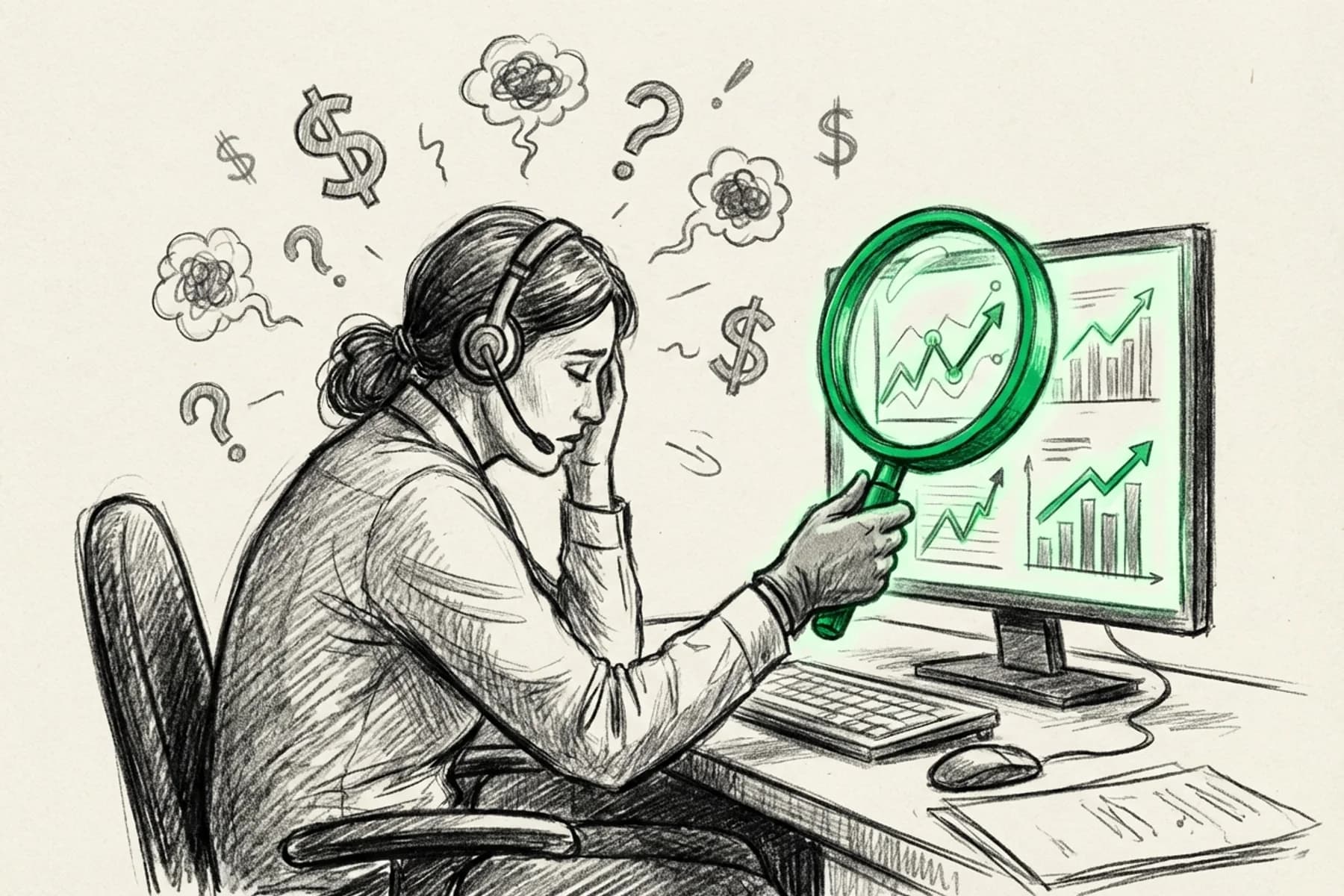
Let's be honest. You're not reviewing your calls.
Maybe you listen to one or two a week when a customer screams at a dispatcher. Maybe you skim a transcript when a tech shows up to the wrong address.
But 100% call review? That's a fantasy.
Here's the reality: While you're ignoring those recordings, you're bleeding revenue. Fumbled bookings. Ignored upsells. Training gaps that cost you thousands every month.
Your competitors? They aren't listening either. They're using AI to review every single interaction in seconds, and they're fixing problems before you even know they exist.
This guide shows you how to use Tradesly's Key Points feature to review a 10-minute call in 10 seconds flat.
No more listening to full recordings. Just instant insights that help you coach your team and stop the bleeding.
What you'll need
✅ An active Tradesly account
That's it. No technical skills required.
Step 1: How do I access my call dashboard in Tradesly?
Log into Tradesly and hit the Tickets tab. You'll see a live feed of every call coming into your business.
Pro Tip: Don't just stare at the list. Filter by Lead Status (New, On-hold, Follow-Up Needed) to find the fires you need to put out immediately.
Key Takeaway: Your call dashboard is your command center. Use filters to prioritize.
Step 2: How do I open the Key Points panel?
Click on any call to open the Call Detail Record. On the right side, you'll see the AI Insights panel.
Ignore the noise. Look at Key Points. It automatically extracts the specific details that matter to your bottom line: urgency, missed revenue, and booking status.
Key Takeaway: Key Points give you what matters in seconds. Transcripts waste your time.
Step 3: How can I review calls in 10 seconds using AI?
Read the bullet points. That's it.
Here is exactly what this looks like in practice.
Scenario 1: The Fumbled Booking
Key Points:
Customer: John Doe, Denver, CO
Issue: Water damage in basement, unsure of source
Urgency: "The sooner, the better" (customer said this twice)
Insurance mentioned: Customer asked if we work with insurance companies
Booking status: NOT_ENOUGH_INFO
Revenue opportunity missed: Potential insurance claim job ($3K-$8K average)
What you learned in 10 seconds: Your CSR fumbled a high-ticket insurance job. The customer was begging for help ("sooner the better"), and your team let them hang.
The Fix: Coach your team immediately: "When a customer mentions insurance, ask: 'Do you need us to document this for your claim?'"
Scenario 2: The Upsell Miss
Key Points:
Customer: Mike Rodriguez, Phoenix, AZ
Issue: AC not cooling, strange noise
System age mentioned: Customer said "it's about 12 years old"
Booking status: BOOKED for Thursday 2 PM
Upsell opportunity missed: CSR didn't mention maintenance plan or replacement options
Revenue opportunity missed: 12-year-old AC = prime replacement candidate ($5K-$12K)
What you learned in 10 seconds: The call was booked, but you left money on the table. A 12-year-old unit is a replacement lead, not just a repair.
The Fix: "When customer mentions system age 10+, always say: 'Let's have our tech assess if repair or replacement makes more sense for your budget.'"
Scenario 3: The Perfect Call
Key Points:
Customer: Jennifer Park, Austin, TX
Issue: Toilet running constantly
Membership offered: CSR mentioned annual maintenance plan, customer interested
Booking status: BOOKED for Tuesday 10 AM
Add-on discussed: CSR asked about other plumbing issues, customer mentioned slow kitchen drain
What you learned in 10 seconds: This is the standard. The CSR followed the script, offered the upsell, and dug for more work. Use this call as the model for your next training session.
Key Takeaway: You just reviewed 3 calls in 30 seconds. That would've taken you 30+ minutes of listening to audio.
Step 4: How do I spot coaching opportunities in customer calls?
Don't stop at one call. Scan 10 to 20 calls in the time it used to take you to listen to one.
Look for the trends:
Repeated fumbles: Are multiple CSRs failing to book emergency calls?
Upsell misses: Is everyone ignoring the "10+ years old" cue?
Urgency spikes: Are you seeing a flood of "water damage" calls? (If so, ramp up staffing immediately)
Example: You review 15 calls and notice 8 of them mentioned "insurance," but only 2 CSRs asked follow-up questions.
That's not a bad employee. That's a broken process. Fix the script.
Key Takeaway: Patterns reveal broken processes. One bad call is a mistake. Ten bad calls is your fault.
Step 5: How do I coach my team without listening to hours of recordings?
Stop giving vague feedback like "You need to ask more questions." It's annoying and ineffective.
The New Way:
"I reviewed your last 10 calls. On 7 of them, customers used urgent words like 'ASAP,' but only 3 were booked same-day. Here is the exact script to use when you hear urgency: 'I can get a tech out to you today at 3 PM or tomorrow at 9 AM, which works better?' Let's practice that."
Pro Tip: Screenshot the Key Points summary and send it to your team. It cuts the debate. The data is right there.
Key Takeaway: Coach with hard data, not hunches. Specific examples beat vague advice every time.
Step 6: What's the fastest way to review 100 calls in a day?
Make this non-negotiable. Every morning, spend 5 minutes reviewing Key Points from yesterday.
Your new routine:
Filter calls by "Not Booked" or "Follow-Up Needed."
Scan Key Points for fumbles.
Flag 1 to 2 calls for coaching.
Post a quick win or fix in your team Slack.
Example Message:
"Team, reviewed yesterday's calls. Great job on booking rate (85%)! One catch: 4 customers mentioned old equipment, but we only pitched replacement on 1 call. Let's tighten that up today."
Key Takeaway: Five minutes of call center monitoring every morning beats zero hours of guessing.
How can AI help me review calls faster in my trade business?
Here are 3 ways to use Key Points for revenue:
1. Brief Techs Instantly
Dispatchers can read Key Points and tell techs: "Customer mentioned insurance claim. Document everything."
2. Spot Buried Revenue
Search for keywords like "Insurance," "Old system," or "Multiple issues." These are high-value jobs hiding in your call log.
3. Track Trends
Are "AC repair" calls spiking? Adjust your marketing spend in real-time.
Key Takeaway: Speed of insight equals speed of improvement. Use call center management solutions that give you both.
Summary
Manual call quality monitoring is dead. If you're listening to calls, you're wasting time.
Speed is survival. Key Points turns 10 minutes of audio into 10 seconds of reading.
Data beats hunches. Coach your team with specific examples, not vague feelings.
Fix the process. Use patterns to update your scripts and training.
Key Takeaway: You don't need more time. You need better call center monitoring software. Stop drowning in recordings and start catching revenue.
Stop guessing. Start knowing.
Tradesly Customers: Log into your dashboard and start using Key Points today.
Not a customer yet? Book a demo here to see how Key Points and our full AI-powered platform can transform your HVAC call center operations.
Tradesly's Key Points FAQ
Do I need to set up Key Points manually?
Nope. Key Points are automatically generated for every call. Just log in and start reviewing.
Can I customize what Key Points extracts?
Yes. You can specify exactly what our AI looks for (like "insurance claim mentioned" or "membership offered") based on your specific business rules. Contact us for the custom setup.
What's the difference between call transcripts and AI call summaries?
Transcripts give you everything that was said. Still time-consuming to read. Key Points give you only what matters, extracted, summarized, and actionable in seconds.
Can I use Key Points with my CRM?
Absolutely. Tradesly integrates with major CRMs like ServiceTitan, Housecall Pro and Salesforce. Key Points summaries sync directly to your customer records.
What if Key Points misses something?
Key Points are for triage. They are highly accurate, but if something feels off in the summary, you can always click to listen to the full recording.
How does this improve HVAC call center performance?
By reviewing 100% of calls in seconds, you catch fumbles faster, coach smarter, and spot revenue opportunities your competitors miss. That's how you improve HVAC call center performance without adding headcount.