

How to Choose The Right AI Tools for Your Trades Business
Don't waste $10K on the wrong AI. These 7 vendor questions reveal who understands trades workflows vs. who's faking it
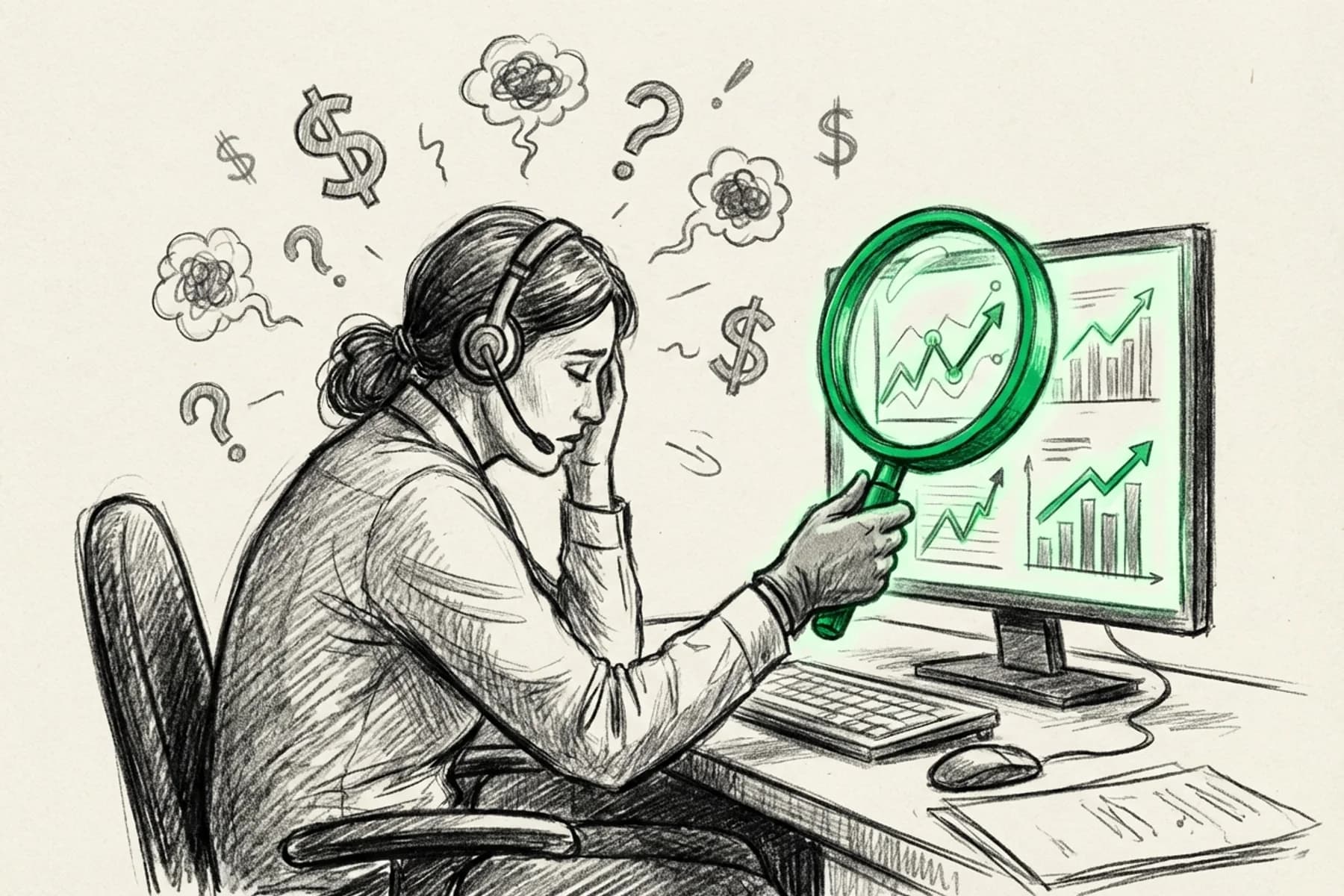
You've got three AI demos scheduled this week.
The vendors will show you slick dashboards. They'll throw around terms like "machine learning" and "natural language processing." They'll promise your booking rate will skyrocket.
By the end, you'll feel more confused than when you started.
Here's why:
Most trades owners walk into demos unprepared. They let vendors control the conversation with rehearsed pitches. They nod along to feature lists. They never ask the questions that actually matter.
The ones that reveal whether the AI understands your business or just automates generic customer service scripts.
This is your playbook for telling the difference. This is how to choose AI tools for trades businesses: force vendors to prove they understand your world, not just customer service automation.
Before we dive in, make sure you understand the basics of what AI actually is versus marketing hype. It'll help you cut through the noise.
Why Do These Questions Expose Weak AI Vendors?
These aren't technical gotcha questions.
They're practical scenarios your business faces every single day. Service calls vs. warranty calls. Angry customers. CRM switches. After-hours emergencies.
Good vendors will answer with specifics and examples. They'll show you real recordings. They'll admit where their system has limitations.
Weak vendors will pivot to generic features. They'll use buzzwords. They'll show you perfect demo scripts that bear zero resemblance to your actual calls.
Your goal: Force them to prove they understand trades workflows, not just basic automation.
Let's get into it.
Question 1: "How does your AI distinguish between a service call and a warranty call?"
Why It Matters
This is the nuance test.
Can the AI read account notes? Does it recognize tags in your CRM? Can it route calls based on business rules you define, or does it treat every call the same?
Because here's the reality: A warranty call requires different information, different questions, and different dispatch logic than a service call. If your AI can't tell the difference, you're about to create chaos.
What Good Looks Like
The vendor explains how the AI accesses your CRM data. They show you where it pulls account flags. They walk through the business rules you can configure.
They might say something like: "When a call comes in, the AI checks the customer record first. If there's a warranty tag, it asks warranty-specific questions and routes to your warranty team. If not, it follows your standard service flow."
Specific. Clear. Grounded in your actual workflow.
Red Flag Response
"Our AI learns from conversations."
Translation: It doesn't actually integrate with your CRM. It's guessing based on what the customer says.
Or worse: "We're working on that integration."
Translation: It doesn't exist yet. You're buying a promise.
Key takeaway: If the vendor can't explain CRM integration in plain English with concrete examples, they're selling you a chatbot, not a trades-specific solution.
Question 2: "What happens when your AI doesn't know the answer?"
Why It Matters
Every AI has limits.
The question isn't whether it fails. It's how it fails. Does it gracefully hand off to a human? Does it admit uncertainty? Or does it make something up and confuse your customer?
AI failure modes reveal system maturity. A vendor who can't articulate their failure handling doesn't understand the stakes.
What Good Looks Like
The vendor shows you clear escalation paths. They explain confidence thresholds. They walk through exactly how a call transfers to a human when the AI hits its limit.
They might pull up a real call recording and say: "See here? The AI asked three clarifying questions, realized it couldn't determine the issue, and transferred to your on-call CSR with full context."
That's a system built for the real world.
If you want to see what proper escalation looks like, check out how call escalation should actually work.
Red Flag Response
"It rarely happens."
That's not an answer. That's avoidance.
Or: "The AI learns over time, so it gets better."
Cool. What happens today when it doesn't know? You need a real answer, not a vague promise about future improvements.
Key takeaway: Demand to see failure scenarios. If they only show you happy-path demos, they're hiding something.
Question 3: "Can I see how it handled a confused or angry customer?"
Why It Matters
Scripted demos only show perfect interactions.
Friendly customers who speak clearly. Simple requests. Zero emotion.
That's not your real call volume.
You need to see how the AI handles someone who's upset. Someone who talks in circles. Someone who says "I don't know, it's just not working" without giving you any useful information.
This is especially critical for HVAC customer service and plumbing businesses where emergency calls come in hot.
What Good Looks Like
The vendor shows you real (anonymized) call recordings. Messy ones. They walk through how the AI de-escalates. How it asks clarifying questions. How it knows when to stop pushing and transfer to a human.
They don't flinch when you ask. They're proud to show you because they've built for reality, not demos.
Red Flag Response
"Our AI is trained on empathy."
Buzzword soup. What does that actually mean in practice?
Or they only show you polished demo scripts with actors reading lines.
Run.
Key takeaway: Real AI tools have real recordings of real people. If they can't show you messy calls, they haven't solved the hard problems yet.
Question 4: "Where is your support team located, and what are their hours?"
Why It Matters
Your AI tool breaks at 2 PM on a Friday. You submit a support ticket. You get a response at 3 AM because their team is overseas.
By Monday morning, you've missed 30 calls and lost $15K in potential revenue.
Timezone mismatches aren't a minor inconvenience. They're a business killer during peak season.
What Good Looks Like
The vendor gives you specific answers:
"Our support team is based in [location]. Our hours are 8 AM to 8 PM Eastern, Monday through Saturday. Our average first response time is under 2 hours."
They might even share their SLA publicly.
Clear. Transparent. No hedging.
Red Flag Response
Vague answers about "24/7 support" without specifying timezones or response times.
Or: "We have a global support team."
Great. Which timezone answers my tickets when it's 3 PM on a Tuesday in Dallas?
Key takeaway: If they can't tell you where their support team is and when they're available, you're about to experience the Broccoli problem.
Question 5: "How long does it take to train your AI on my specific pricing, services, and workflows?"
Why It Matters
Generic AI tools need weeks of training. Constant corrections. Endless back-and-forth.
You become the unpaid AI trainer while your booking rate tanks.
This question reveals implementation reality versus sales promises. If the vendor says "it's plug-and-play," they're lying. Nothing is plug-and-play.
But there's a difference between "3 to 5 days of setup with our team" and "6 weeks of you feeding it corrections."
What Good Looks Like
The vendor provides a realistic timeline. They break down the onboarding process:
"Day 1: We import your service catalog and pricing from your CRM. Day 2 to 3: We build your call flows based on your existing scripts. Day 4: You review test calls and give feedback. Day 5: We go live with monitoring."
They show you examples of similar businesses they've onboarded. They explain what you need to provide versus what they handle.
Specific. Process-driven. Honest about effort required.
And if you're already struggling with how hard it is to train human CSRs, adding AI training burden on top is the last thing you need.
Red Flag Response
"It's plug-and-play. You'll be live in 24 hours."
Impossible. Every trades business has different services, different pricing, different workflows. There's no such thing as instant customization.
Or: "It learns as it goes."
Translation: Your customers are the training data. Good luck with that.
Key takeaway: Demand a realistic timeline with specific milestones. If they can't provide one, they haven't done this before.
Question 6: "What happens if I switch CRMs in 6 months?"
Why It Matters
This is the vendor lock-in test.
Some AI tools are built on top of a specific CRM. If you switch, you lose everything. Your data. Your training. Your investment.
Others layer on top of your existing stack. Platform-agnostic. Your data stays portable.
You need to know which one you're buying. This matters whether you're running HVAC software, plumbing dispatch systems, or any software for tradesmen.
What Good Looks Like
The vendor explains their integration architecture. They list multiple CRMs they support. They show you how data transfers if you switch.
They might say: "We integrate with ServiceTitan, Housecall Pro, Jobber, and Salesforce. If you switch from ServiceTitan to Housecall Pro, we migrate your AI training and call data. It takes about a week."
That's freedom. That's flexibility.
Red Flag Response
"Most customers don't switch."
That's not an answer. That's deflection.
Or: "We'll help you migrate."
To what? Another tool they own? That's not portability. That's a deeper trap.
Key takeaway: If the AI is married to one CRM, you're stuck. Demand platform-agnostic architecture or walk away.
Question 7: "Can you show me a call where the AI should have transferred to a human but didn't?"
Why It Matters
This is the honesty test.
Every AI makes mistakes. The difference between good vendors and bad vendors is whether they admit it.
Good vendors openly discuss known edge cases. They show you how they've improved based on real failures. They're transparent about limitations.
Bad vendors pretend their system is perfect. They get defensive. They dodge.
What Good Looks Like
The vendor pulls up a recording and says:
"Here's a call where our AI should have transferred earlier than it did. The customer was asking about a complex commercial job, and our AI kept trying to book it as residential. We've since added a business-type qualifier earlier in the flow."
That's maturity. That's a vendor who's serious about continuous improvement.
Red Flag Response
"That doesn't happen with our system."
Impossible. If they're telling you their AI is perfect, they're either lying or they haven't deployed it enough to know where it breaks.
Or they get defensive when you ask.
Huge red flag.
Key takeaway: Vendors who can't admit mistakes are vendors who won't fix problems when they inevitably happen.
How Should AI Vendors React When You Challenge Them?
Here's what nobody tells you:
Watch how the vendor responds when you ask hard questions.
Good vendors:
Lean in
Get specific
Share trade-offs honestly
Admit limitations
Show you real examples
Bad vendors:
Get defensive
Pivot to feature lists
Use vague buzzwords
Avoid concrete answers
Only show perfect demos
The way they answer tells you as much as what they answer.
And here's the tell: If a vendor can't answer a question but says "Great question. Let me get you specifics after this call," that's honest. That's a vendor who won't fake knowledge.
If they fake an answer or deflect, run.
Key takeaway: Honest vendors welcome hard questions. Weak vendors avoid them. Your job is to ask questions they can't rehearse answers for.
Your Next Move: From Demo Observer to Decision Maker
You now have the questions that separate real AI capability from marketing theater.
Print this list. Use it in your next demo. Or use it to audit your current vendor.
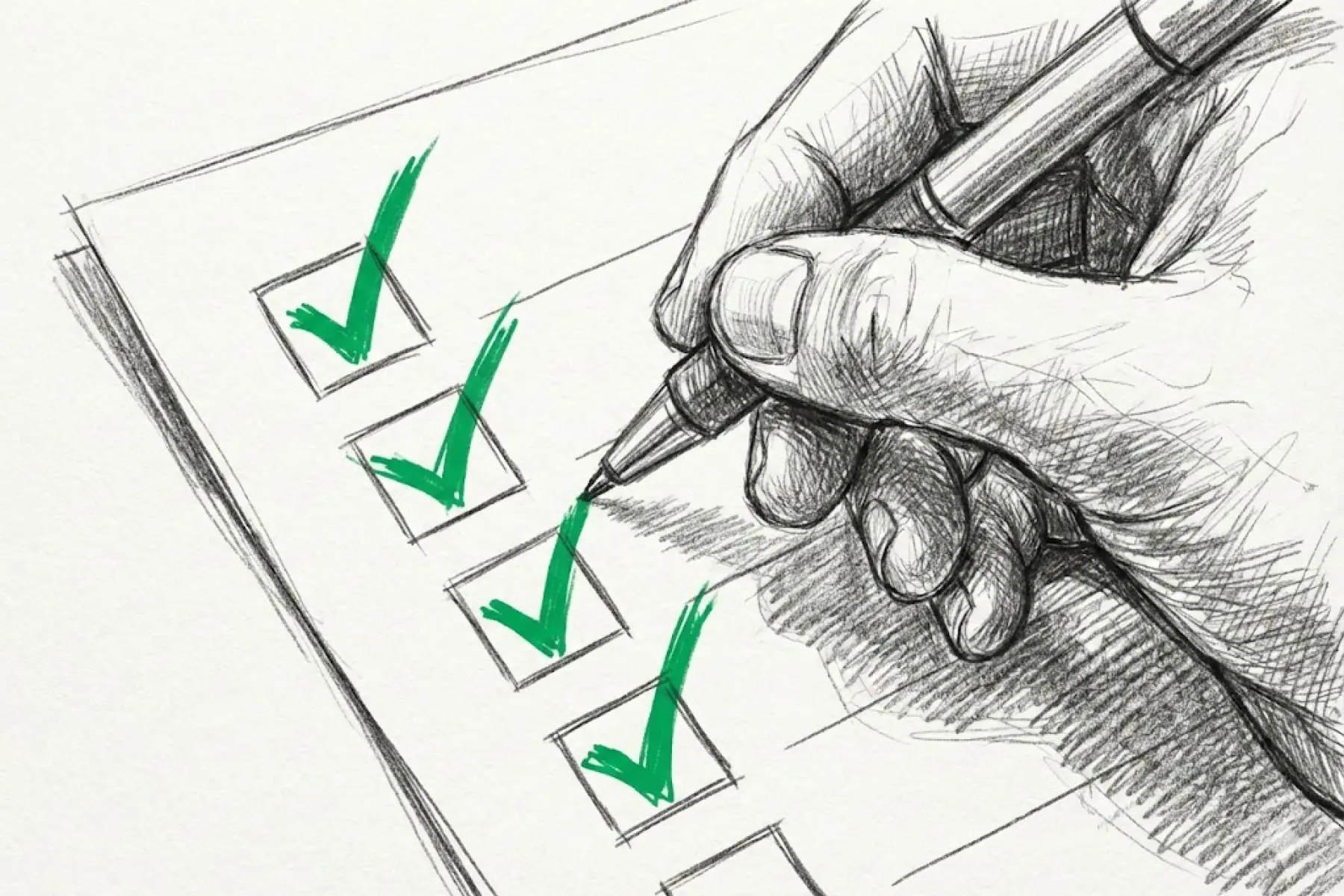
The 7-Question Checklist for Your Next AI Demo
Use this as your evaluation framework:
How does your AI distinguish between a service call and a warranty call?
What happens when your AI doesn't know the answer?
Can I see how it handled a confused or angry customer?
Where is your support team located, and what are their hours?
How long does it take to train your AI on my specific pricing, services, and workflows?
What happens if I switch CRMs in 6 months?
Can you show me a call where the AI should have transferred to a human but didn't?
Most AI for home service businesses fail not because AI doesn't work, but because the wrong AI was sold to the wrong business by a vendor who didn't understand the nuances of trades workflows.
Don't let that be you.
Key takeaway: The best AI tools for trades businesses aren't the ones with the flashiest demos. They're the ones that can handle the messy, nuanced reality of your actual calls. Ask hard questions. Demand specifics. Your booking rate depends on it.