

Housecall Pro vs. Jobber: The Unbiased 2026 Teardown for 1-5 Truck Shops
Stop reading biased reviews. Get the real cost breakdown, hidden fees, and honest pros/cons of Housecall Pro vs Jobber for 1-5 truck shops in 2026.


Stop Reading Biased Reviews: An Operator's Real Housecall Pro vs Jobber Breakdown
Every Housecall Pro vs Jobber field service management software comparison you've read is written by someone trying to sell you something. Software reviews, affiliate marketing sites, even "unbiased" tech blogs — they all have a financial interest in your choice.
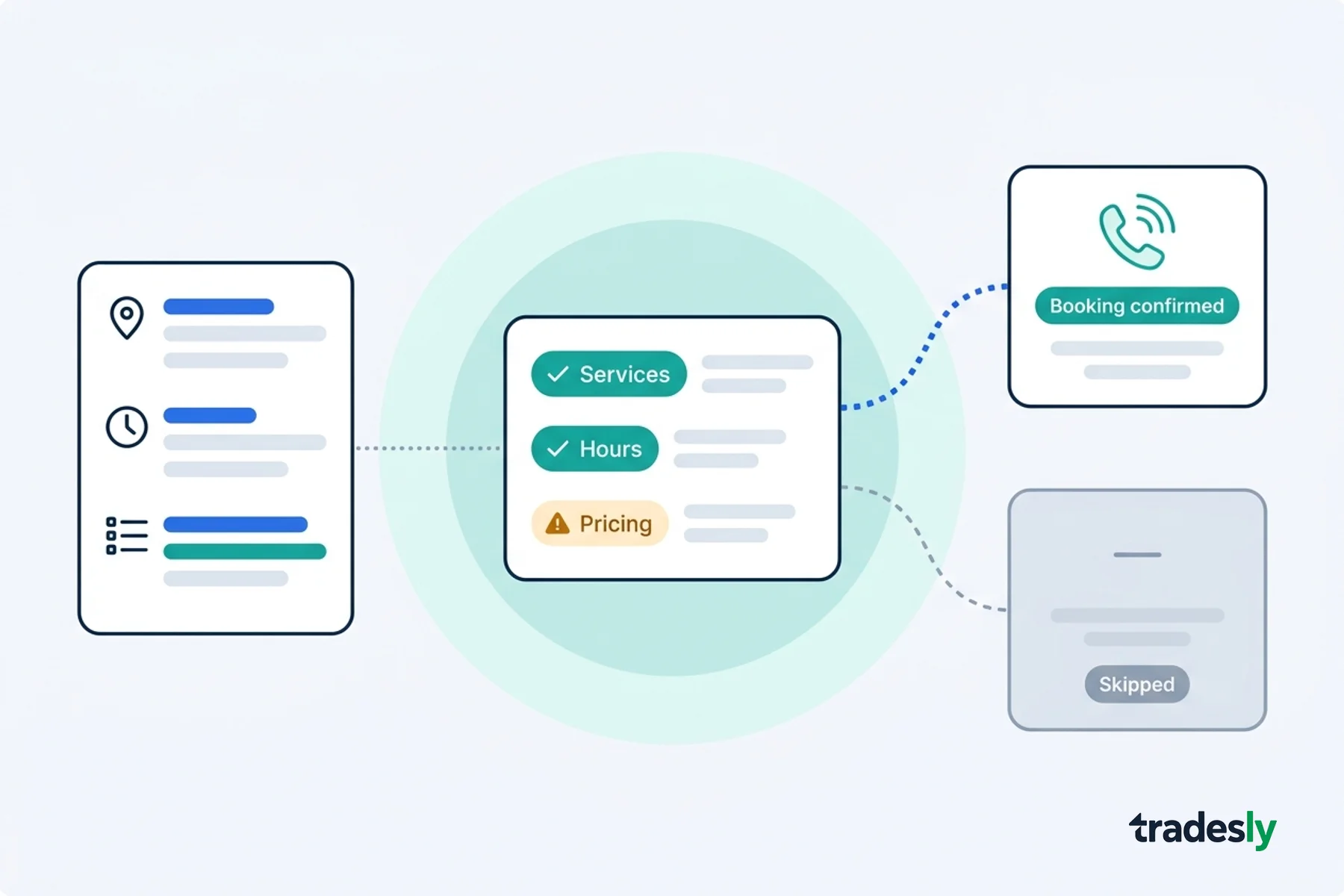
Here's what they won't tell you: both platforms can manage jobs once they're booked, but they both assume your call intake is perfect. That's where most small shops actually lose revenue.
Field Service Management (FSM) Software is a platform that handles scheduling, dispatching, invoicing, and customer management for service-based businesses, but it only works on jobs that successfully enter the system.
I've watched 3-truck HVAC shops blow $40K annually on FSM software because they picked based on features instead of fit. The choice between Housecall Pro and Jobber isn't about which platform has more bells and whistles. It's about which one serves your actual workflow without bleeding you dry on add-ons.
The problem with every Housecall Pro vs Jobber review you've read
Most comparison content comes from three sources, and all of them are compromised. Software review sites get paid commissions. They earn money when you sign up through their links. The platforms themselves write "buyer's guides" that coincidentally recommend their own product. Consulting firms that implement FSM software steer you toward whoever pays the highest partner fees.
Both Housecall Pro and Jobber market to 1-5 truck operations, but they solve different problems. Housecall Pro built for shops that live in QuickBooks and need deep accounting integration. Jobber built for efficiency-obsessed operators who want route optimization and don't care about advanced customization.
Small shops need a different evaluation framework than enterprise buyers. You don't need vendor management modules or complex approval workflows. You need the core functions to work reliably without requiring a dedicated admin.
Here are the 5 battlegrounds that actually matter when comparing FSM software for small operations. These ignore the marketing fluff and focus on what impacts your daily operations and cash flow. I've also included data from independent pricing analysis to cut through the promotional pricing both companies advertise.
What is the real cost difference between Housecall Pro and Jobber for small businesses?
Housecall Pro's advertised $79/month Basic plan is a trap. It lacks GPS tracking and QuickBooks sync — features every field operation needs. The real starting point is Essentials at $189/month. Add payment processing ($40/month) and you're at $229/month before you book a single job. Tooled Up Pro confirms most small businesses end up on the $189/month tier within 3 months.
Jobber starts at $39/month for Core, but each additional user costs $29/month. A 3-person shop pays $97/month ($39 + $29 + $29). Payment processing is built-in with standard 2.9% + $0.30 fees. According to Tekpon's breakdown, Jobber scales from $39-599/month depending on users and features.
The add-on economics work differently. Housecall Pro charges for features (GPS tracking, payment processing, advanced reporting) as separate line items. Jobber bundles more features but charges per user. If you're a solo operator, Jobber wins on price. If you're a 5-person crew, the per-user fees add up fast.
Year-two reality check: A 3-truck shop typically pays $280-320/month for Housecall Pro vs $160-190/month for Jobber. The difference funds 1-2 months of fuel annually.
Battleground 2: Scheduling and Dispatching (Where Your Day Lives or Dies)
Jobber wins the scheduling battleground for small crews because of route optimization. They added automatic route planning in 2025, which Housecall Pro still doesn't offer as of 2026. When your techs run 4-6 calls per day, efficient routing saves 30-45 minutes and reduces fuel costs by 15-20%.
Housecall Pro's scheduling interface is cleaner and more intuitive for office staff. The drag-and-drop calendar works well for simple scheduling, but it doesn't optimize drive times between jobs. You're manually planning routes or letting techs figure it out themselves.
For real-world usage, here's the difference: Jobber tells your tech the most efficient order to run their calls. Housecall Pro shows them where the calls are and trusts they'll figure out the best sequence. Small difference on paper, big difference when gas costs $4/gallon and your service area spans 30 miles.
Both platforms handle the basics well — calendar view, job assignments, customer notifications, tech mobile apps. Neither will crash or lose your data. The question is whether you want optimization help or prefer manual control.
Which field service management software is better for 1-5 truck operations?
The choice depends on your priorities. Jobber excels at automation and efficiency, while Housecall Pro provides more control and customization. Both platforms deliver reliable core functionality, but they serve different operational styles.
If your shop values streamlined workflows and automatic optimization, Jobber's approach reduces decision fatigue and administrative overhead. If you prefer hands-on control over every aspect of your operation, Housecall Pro's flexibility accommodates complex pricing structures and custom workflows.
What are the hidden fees in Housecall Pro vs Jobber pricing?
Both platforms hit you with credit card processing fees: 2.9% + $0.30 per transaction. This is standard across the industry, but it's rarely mentioned in the upfront pricing. On a $500 invoice, you're paying $14.80 in processing fees regardless of which platform you choose.
Housecall Pro's invoice customization is stronger. You can modify templates, add custom fields, and include detailed line items that match your pricing structure. The invoices look professional and handle complex jobs with multiple services, parts, and labor charges.
Jobber's client hub gives customers more self-service options. Clients can view job history, reschedule appointments, and pay invoices without calling your office. This reduces administrative overhead but offers less control over the customer experience.
The real hidden cost is time. Housecall Pro requires more manual input but gives you precise control. Jobber automates more processes but forces you into their workflow. Pick the platform that matches how you actually work, not how you think you should work.
Do Housecall Pro and Jobber integrate with QuickBooks?
Housecall Pro offers two-way QuickBooks sync that automatically transfers invoices, payments, and customer data between platforms. They support both Online and Desktop versions, which matters if you're running older accounting setups. This Housecall Pro review finds the integration depth is better than most FSM platforms.
Jobber connects with QuickBooks Online but doesn't support Desktop. Their integration pushes data one direction — from Jobber to QuickBooks. You can't pull existing customer data from QuickBooks into Jobber, which creates duplicate entry work during setup.
The broader integration story favors Jobber. According to QuoteIQ's analysis, Jobber's App Marketplace includes connections to Zapier, Gusto payroll, and more third-party apps. Housecall Pro's integration ecosystem is smaller but deeper for accounting-focused workflows.
If QuickBooks is central to your operation and you need two-way sync, Housecall Pro wins. If you want flexibility to connect multiple business tools, Jobber's marketplace approach offers more options.
What features do small contractors need most in FSM software?
Neither platform addresses the biggest revenue leak small shops face: missed calls and poor intake. Both Housecall Pro and Jobber excel at managing jobs once they're in the system, but they assume every lead gets captured and qualified properly.
I've seen 3-truck shops lose $30K-50K annually because calls go unanswered, get handled poorly, or come in after hours. Your FSM software is only as effective as the jobs that make it into the schedule. If you're missing 30% of your inbound calls, even the best FSM platform won't save your revenue.
The gap between lead generation and job booking is where money disappears. You spend $200 on Google Ads to generate a call. The phone rings at 7 PM or during a busy Tuesday, and nobody answers. That lead goes to your competitor's AI receptionist for contractors who books the job before you even know you missed it.
Use our missed call cost calculator to see what poor intake is actually costing your operation. Most shops discover their missed calls cost more than their FSM software subscription.
Both Housecall Pro and Jobber integrate with answering services and call handling solutions, but they don't solve the intake problem themselves. Your FSM choice should include a strategy for capturing and qualifying leads before they enter the system.
The verdict: which platform for which shop
Solo operators and 2-person crews: Jobber is the best FSM for small business operations focused on price and efficiency features. Route optimization matters more when you're running calls yourself. The per-user pricing model works in your favor, and the automated workflows reduce administrative overhead.
3-5 person crews with complex jobs: Housecall Pro offers better control and customization for shops that need detailed invoicing, extensive QuickBooks integration, or custom pricing structures. The higher cost is justified if you're handling multi-day jobs or complex service agreements.
Growing operations planning to scale: Consider how per-user fees will impact your economics. Jobber's $29/user monthly charge adds up as you grow. Housecall Pro's flat pricing model might be cheaper at 6+ users, depending on which features you need.
The most important decision isn't which FSM platform to choose. It's whether you're capturing and qualifying leads effectively before they enter any system. The best field service software in the world won't help if half your revenue opportunities disappear before the first call gets answered.
Both platforms require call handling solutions to maximize ROI. If you're comparing ServiceTitan alternatives because of cost or complexity, remember that switching platforms won't fix intake problems. Fix the call handling first, then optimize the job management.
Key Takeaway: Jobber offers better value for efficiency-focused small crews. Housecall Pro provides more control for complex operations. Both platforms work best when paired with proper call intake and qualification systems.
Stop guessing about FSM software. Get the demo and see how proper call handling amplifies whatever platform you choose.