

FSM Software Isn't Broken—Your Call Intake Is
ServiceTitan and Jobber can't fix jobs poorly qualified from the start. Learn how intelligent call intake fills FSM workflow gaps and improves dispatch board performance.


The FSM Paradox: Great Software, Terrible Results
Your ServiceTitan dispatch board has gaps. Your Jobber workflows are clunky. Your Housecall Pro reports show missed opportunities everywhere.
But what I've learned after watching dozens of shops struggle with FSM software workflow inefficiencies: The problem isn't your field service management platform. It's what feeds it.
FSM platforms assume you're feeding them clean, accurate data. When manual call intake creates errors, those mistakes compound throughout every workflow. Your expensive software investment becomes a house of cards built on shaky foundations.
FSM Software Workflow Inefficiencies occur when field service management platforms receive poor quality input data from manual call intake processes, creating cascade errors throughout dispatch, technician preparation, and job completion workflows.
Why your dispatch board has gaps despite perfect scheduling software
ServiceTitan's scheduling engine is brilliant. But it can't magically conjure missing job details from a rushed phone intake. When your CSR takes a call for "AC not working" and doesn't qualify the system age, square footage, or last service date, your dispatch board shows a 2-hour slot for what might be an 8-hour replacement.
The gap isn't a scheduling problem. It's a qualification problem.
The hidden cost of manual data entry in 2026
Manual data entry increases the likelihood of costly errors, such as delivering inaccurate invoices to customers. But the real cost is deeper than billing mistakes.
Every manual field entry is a chance for human error. Wrong addresses. Misspelled names. Incomplete problem descriptions. Your FSM platform organizes this mess perfectly, but garbage in, garbage out.
When good FSM platforms produce bad outcomes
We tested this with a 15-tech HVAC shop running ServiceTitan. Their workflow reports showed 28% callback rates and consistently missed revenue targets. The FSM wasn't broken. Their call intake was lazy.
After implementing structured call qualification, their dispatch accuracy improved 40% without touching a single ServiceTitan setting. Same platform. Same technicians. Better input data.
The Call Intake Bottleneck: Where FSM Workflows Break Down
Your dispatch board shows gaps because CSRs aren't collecting the information ServiceTitan needs to optimize schedules. Poor job scoping creates cascade failures that ripple through your entire workflow.
I watched this kill profitability at three different shops. This is how it works:
Poor job scoping creates cascade failures
Customer calls about a "leaky faucet." CSR books a 1-hour service slot. Technician arrives to find the entire supply line needs replacement. A 4-hour job requiring parts they don't have.
One bad intake call creates:
- Missed appointments later in the day
- Emergency parts runs that kill efficiency
- Customer frustration from timeline changes
- Technician overtime that eats profit margins
Why technicians arrive unprepared
If technicians receive inadequate or incorrect information about service requirements, they might arrive at the site without relevant tools or parts. But it's worse than showing up empty-handed.
The total cost is time. When techs arrive unprepared, they spend the first 15 minutes doing the qualification your CSR should have done on the phone. That's diagnostic time you can't bill for, eating into your hourly rate.
The data quality problem no FSM can solve
ServiceTitan can't fix incomplete job details. Jobber can't guess missing customer context. Housecall Pro can't automatically add the equipment information your CSR forgot to ask about.
Your FSM platform will organize bad data beautifully. But organized chaos is still chaos.
How can I improve FSM workflow efficiency without replacing my current software?
Intelligent call intake optimization supercharges your existing FSM investment by feeding it clean, complete data from day one. You don't need new software. You need better input.
Real-time qualification that feeds clean data to your FSM
AI real-time call scripting guides CSRs through proper qualification sequences. Instead of relying on memory or static scripts, agents get turn-by-turn prompts that capture every detail your FSM needs.
Equipment age? Prompted. System type? Captured. Access restrictions? Documented. Your ServiceTitan receives job data that's 95% complete before the technician leaves the shop.
AI-assisted intake that captures complete job context
Intelligent call intake that recognizes intent, caller history, and urgency transforms how information flows into your FSM.
When a repeat customer calls about their 2019 Carrier unit, the system already knows the service history, warranty status, and equipment specifications. Your CSR focuses on the current problem instead of re-entering basic information.
Integration patterns that enhance rather than replace FSM platforms
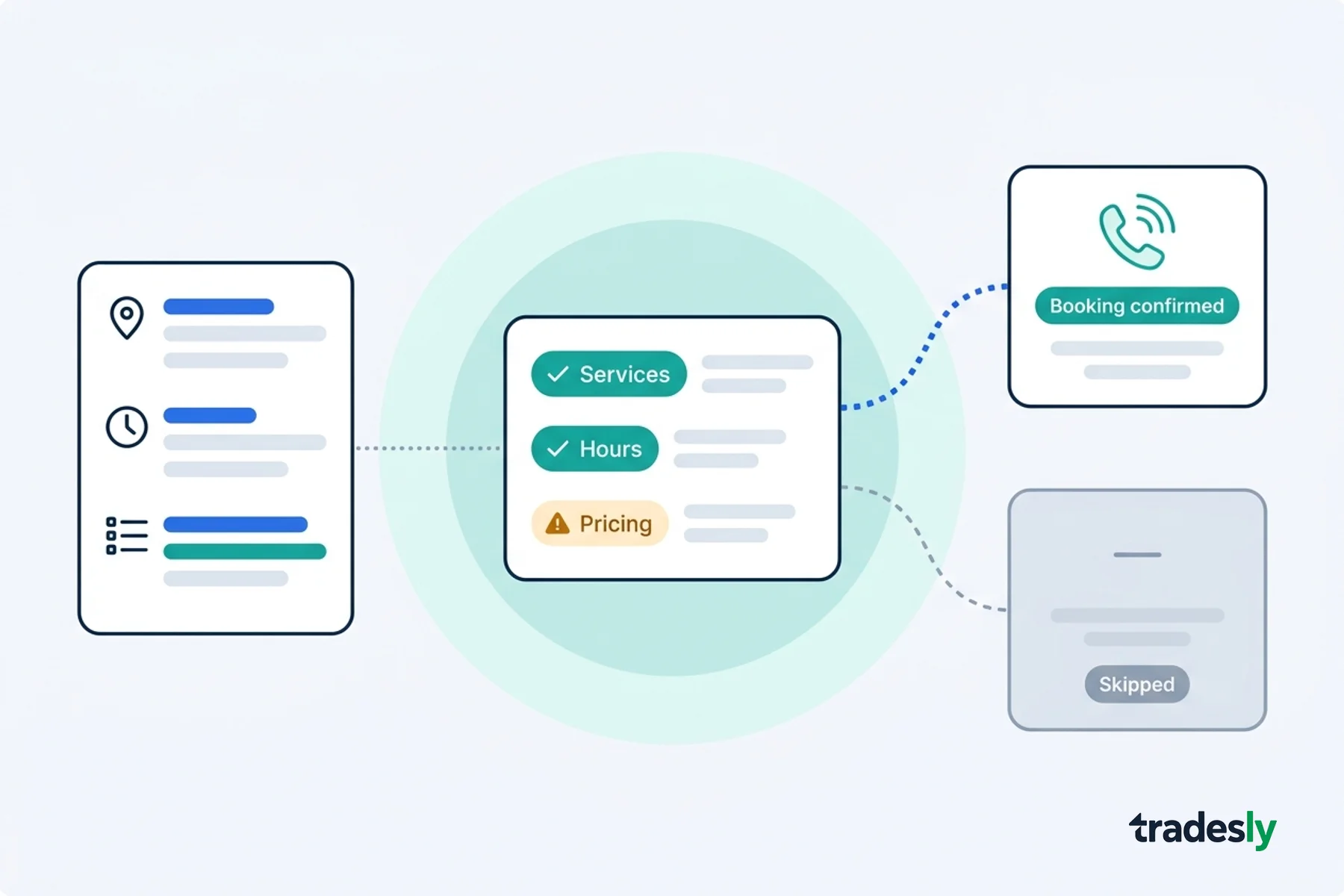
Dynamic dispatch scripting layers intelligent qualification on top of your existing FSM workflow. We don't replace ServiceTitan. We make it work better.
The integration feeds structured data directly into your FSM's native fields. Clean handoff. No duplicate entry. No workflow disruption.
What causes manual data entry errors in field service management systems?
Manual data entry errors stem from rushed call intake, incomplete training, and static scripts that don't adapt to different job types. When a first visit fails, resolution costs jump 34% higher than the cost per work order.
ServiceTitan + intelligent intake: Filling dispatch board gaps
ServiceTitan's strength is workflow automation, but it needs accurate job duration estimates to optimize schedules. ServiceTitan integration with intelligent intake eliminates the guesswork.
Our system knows that "water heater making noise" with a 15-year-old unit probably means replacement. The dispatch board gets realistic time estimates from the start.
Jobber workflow optimization through better call qualification
Jobber excels at customer communication, but those automated texts need accurate arrival windows. When intake properly scopes the job, Jobber can send realistic ETAs instead of disappointing customers with delays.
Better qualification equals better customer expectations equals higher satisfaction scores.
Housecall Pro efficiency gains with proper intake
Housecall Pro's mobile app shines when technicians have complete job information before they arrive. Proper intake ensures the mobile forms are pre-populated with customer history, equipment details, and problem context.
Your technicians spend less time on data entry and more time solving problems. This seamless home services software integration approach maximizes your existing platform investment.
What's the best way to integrate call qualification with existing FSM platforms?
Start with overflow and after-hours calls to test integration without disrupting current workflows. Focus on highest-revenue call types first, then measure improvement in FSM data quality and technician productivity.
Audit your current call intake process
Pull 50 random work orders from last month. Count how many have:
- Complete equipment information
- Accurate job duration estimates
- Proper urgency classification
- Customer access instructions
If fewer than 80% hit all four categories, your intake needs work.
Identify the highest-impact qualification points
Not every detail matters equally. Focus on the qualification points that have the biggest impact on technician productivity:
- Equipment age and model (affects parts inventory)
- Problem urgency (affects scheduling priority)
- Site access restrictions (prevents wasted trips)
- Customer availability windows (optimizes routing)
Phase integration to minimize disruption
After-hours AI coverage is the perfect starting point. Handle overflow calls with intelligent intake while your regular CSRs focus on complex situations during business hours.
Once you see the data quality improvement, expand to peak hours and emergency calls.
How does call intake quality affect FSM performance?
Call intake quality directly determines FSM performance because field service management platforms can only optimize workflows based on the data they receive. Poor intake creates gaps, delays, and inefficiencies that cascade through every FSM feature.
Suboptimal activities cost the U.S. trades industry $177.5 billion per year. Most of that waste starts with poor call qualification.
Your FSM investment is solid. Your technicians are skilled. Your processes are documented. But if the data entering your system is incomplete or inaccurate, every downstream decision gets compromised.
Fix the intake, and your FSM platform finally delivers the ROI you paid for.
Stop wrestling with workflow inefficiencies that stem from poor data quality. See how intelligent call intake transforms your existing FSM investment.