

6 OpenClaw Mistakes Costing Home Services Thousands
OpenClaw promises automation. Most home service companies aren't prepared for the security risks, hidden costs, and operational overhead. Here's what goes wrong—and when it actually works.
 Vincent WongFounder & Editor-in-Chief
I've watched home service owners get swept up in the OpenClaw hype. The viral success stories make it look simple: deploy autonomous AI agents, automate everything, watch the money roll in.
Here's what those stories don't tell you: I've seen three different HVAC shops burn through $15K to $25K trying to implement OpenClaw without understanding what they were actually building. One had customer data exposed for two weeks before they realized it. Another spent six months fighting API failures that killed their lead generation system twice a week.
OpenClaw is an open-source AI agent framework that automates complex workflows by connecting multiple AI models, APIs, and third-party services—but it requires industrial-grade infrastructure and security management.
These OpenClaw home services mistakes happen because business owners treat complex AI infrastructure like a simple productivity tool.
The truth is brutal: OpenClaw is mission-critical infrastructure disguised as a productivity tool. Tools like Claude Computer, Perplexity Computer, and Manus offer easier deployment but less customization. The question isn't which tool is "better"—it's which one matches your technical skill level and actual business needs.
Here are the six mistakes that separate successful implementations from expensive disasters.
How do you avoid treating OpenClaw like a chatbot instead of mission-critical infrastructure?
OpenClaw requires 24/7 monitoring, dedicated infrastructure, and constant maintenance. Most home service owners deploy it like they're installing a WordPress plugin.
I watched a plumbing company lose three days of lead generation because their OpenClaw instance ran out of memory and started dropping scraping instructions. The owner thought he could "set it and forget it" like his website.
OpenClaw's memory management can compress away safety instructions when context fills up, causing data loss incidents. Your lead source configurations and scraping parameters can vanish if the system hits capacity limits.
The infrastructure gap most businesses ignore includes:
- Heartbeat monitoring: API costs run $50-200/month just to keep the system healthy
- Error handling: When OpenClaw fails, it fails silently. Your lead gen stops working and you don't know why
- Memory management: Context windows compress and lead data gets mixed up
If you can't commit to infrastructure discipline, tools like Manus or Claude Computer make more sense. Unlike ServiceTitan dispatch board gaps that you can see and fix, OpenClaw failures are invisible until your lead flow stops.
Key Takeaway: OpenClaw is not a plugin. It's a system that requires dedicated monitoring and infrastructure investment.
What are the main security risks of using OpenClaw in home service businesses?
Home service businesses handle sensitive customer data: addresses, payment methods, security codes, emergency contacts. OpenClaw's OpenClaw security risks put all of it at risk in ways that hosted solutions like Claude Computer typically don't.
CVE-2026-25253 was publicly disclosed with a CVSS score of 8.8, enabling one-click remote code execution. Security researchers identified tens of thousands of internet-facing OpenClaw instances exposed due to default configurations.
What does "CVSS 8.8 one-click RCE" mean for your customer list? An attacker can gain complete control of your system by getting someone on your team to click a malicious link. Once they're in, they have access to customer addresses, payment information, and service records.
I've seen home service companies lose their business insurance coverage after data breaches. Your general liability policy probably has cyber exclusions you've never read.
The AI dispatcher security infrastructure you need before deploying OpenClaw includes:
- Network segmentation: Isolate OpenClaw from customer data systems
- Access controls: Multi-factor authentication and role-based permissions
- Regular security audits: Monthly vulnerability scans
- Incident response plan: What happens when (not if) you get breached
Key Takeaway: Customer data security isn't optional. OpenClaw's vulnerabilities can destroy your business reputation and legal standing.
How much does OpenClaw really cost to implement and maintain?
OpenClaw costs $6,000-12,000 in Year 1 when you factor in setup, infrastructure, and ongoing maintenance. Most professional setup services cost between $4,000 and $4,700 for Year 1, while DIY setup requires 15+ hours at founder rates of $200-500/hour.
I tracked costs across five OpenClaw implementations in home services. Here's the real breakdown:
- Infrastructure: $200-800/month (AWS/Azure hosting, monitoring, backups)
- API usage: $150-500/month (OpenAI, Anthropic, verification services)
- Maintenance: 8-15 hours/month of technical work
- Security monitoring: $100-300/month for proper vulnerability scanning
The hidden killer? Unmonitored or forgotten automations can silently inflate costs by 10-30% of monthly AI spend. One HVAC company discovered their "test" automation had been running lead generation scraping for three months at $400/month without anyone noticing.
Compare this to hosted solutions: Claude Computer costs $20/month for personal use (business pricing unavailable as of April 2026). Perplexity Pro runs $20/month. Manus starts at $99/month for business automation. The build vs buy AI voice agents reality is brutal: building takes 6-12 months of development time, buying gets you live in 2 weeks.
Key Takeaway: "Free" OpenClaw typically costs $500-1,500/month when you factor in infrastructure and maintenance time.
What mistakes do home service companies make with OpenClaw implementation failures?
Home service companies fail with OpenClaw because they don't match the tool to their technical capabilities. OpenClaw demands programming skills and infrastructure management that most business owners don't have.
Based on actual use cases in the community, people are using OpenClaw for web scraping, data processing, workflow automation, and research tasks. But the customer-facing vs. back-office distinction matters:
- Good for OpenClaw: Web scraping for lead generation, automating invoice processing, equipment maintenance scheduling
- Bad for OpenClaw: Real-time customer service, emergency dispatch, financial transactions
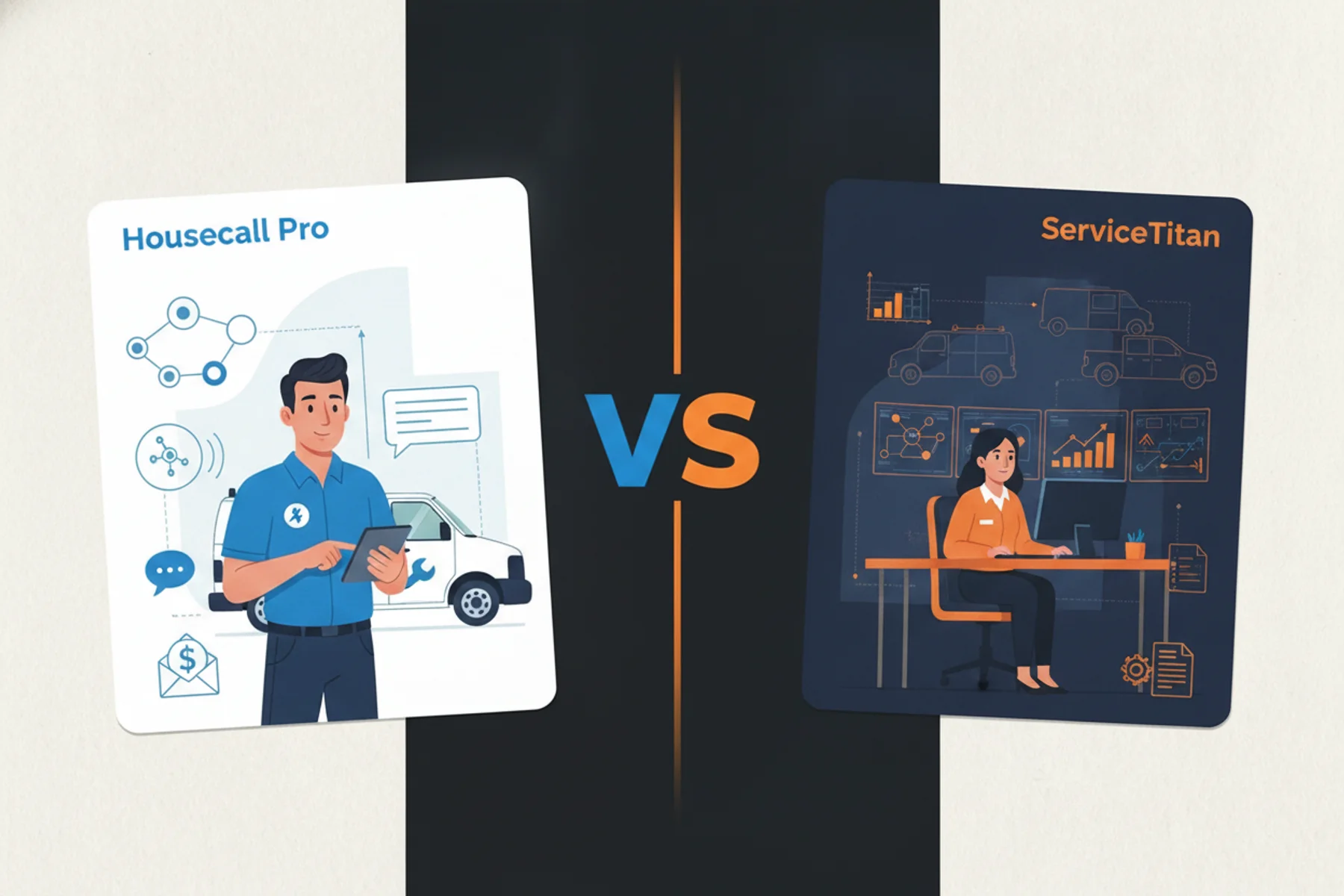
Integration complexity with ServiceTitan and Housecall Pro adds another layer of problems. OpenClaw wasn't built for the real-time data syncing that customer service demands. A 30-second API delay means a lost customer when they're calling about a flooded basement.
This is where hybrid AI customer service makes more sense. Use OpenClaw for operations. Use specialized voice AI for customer calls. Use the ServiceTitan Tradesly integration to connect them properly.
Key Takeaway: OpenClaw is an operations tool, not a customer service replacement. Know the difference before you deploy.
What security risks does OpenClaw's skills marketplace create for businesses?
OpenClaw's skills marketplace creates supply chain attack risks that hosted solutions like Claude Computer don't have. Anyone can publish "skills" with minimal verification.
Supply chain attacks through malicious skills work like this: You download a "customer management" skill that looks legitimate. Hidden in the code is a data exfiltration routine that copies your customer database to an external server. You don't find out until your customers start getting spam calls from competitors.
Imagine this: A plumbing company downloaded a "lead scoring" skill. It worked perfectly for two months. Then they noticed their competitor was calling their customers within minutes of service calls. The skill had been silently forwarding customer contact information to an external API.
The business impact when skills fail includes:
- Customer service failures
- Corrupted data
- Broken automations
- Failed integrations with ServiceTitan or QuickBooks
Key Takeaway: Every OpenClaw skill is code running on your system with access to your data. Treat it like hiring an employee you don't quite trust yet, not installing an app.
When should home service companies use OpenClaw vs. hybrid AI solutions?
OpenClaw is not safe for customer-facing applications unless you have dedicated security infrastructure and ongoing monitoring. Customer psychology changes everything when you're dealing with $5,000 HVAC installs or emergency plumbing calls.
I've watched OpenClaw implementation failures happen because they tried to automate the wrong part of the customer journey. A homeowner with a flooded basement wants a human voice saying "we'll be there in 20 minutes," not an AI agent asking diagnostic questions.
The technical limitation of autonomous AI for objection handling is brutal. OpenClaw can follow scripts. It can't read voice tone or handle emotional customers.
High-ticket home services need humans on complex calls. The successful approach is AI voice agent warm transfer: AI handles the initial response and qualifies the call. Then it transfers to a human with full context.
This is why DIY AI implementations fail in customer-facing roles. You need subject matter expertise in customer psychology, not just technical skills.
Key Takeaway: OpenClaw can't replace human judgment on high-value customer interactions. Use it for operations, not customer relationships.
When should home service companies use OpenClaw vs. specialized AI solutions?
OpenClaw has a sweet spot in home services: internal process automation. Use it to optimize routes, manage inventory, track equipment maintenance, and process invoices. Don't use it to answer customer calls.
Choose your tool based on technical skill level:
- High technical skills: OpenClaw for maximum customization
- Medium technical skills: Manus for business process automation
- Low technical skills: Claude Computer or Perplexity for simple research tasks
Required operational infrastructure before deploying OpenClaw includes:
- Dedicated IT resources: Someone who can troubleshoot API failures at 2 AM
- Security protocols: Network segmentation and access controls
- Monitoring systems: Real-time alerts when automations fail
Sweet spot use cases for home services based on what the community actually uses these tools for:
- Lead generation: Automated web scraping of service directories and competitor analysis
- Data processing: Extract information from supplier invoices and sync with accounting
- Research automation: Competitive intelligence and market analysis
- Workflow orchestration: Connect multiple systems for complex approval processes
The hybrid AI home services approach that actually works: OpenClaw for back-office operations, specialized AI for customer calls. AI real-time call scripting for your human dispatchers beats autonomous OpenClaw for customer service every time.
If you don't have the operational discipline for 24/7 infrastructure management, don't deploy OpenClaw. The promises are real, but so are the requirements.
Stop wasting time and money on DIY disasters. Your customers deserve better than buggy automation experiments. Book a demo with Tradesly now and get AI that actually works for home services.