

How Google's Agentic Booking & Calling Could be Costing You Thousands
Missed a Google AI check prices call? That job went to a competitor. Fix your GBP, your call flow, and your answer rate before the next bot dials.
 Vincent WongFounder & Editor-in-Chief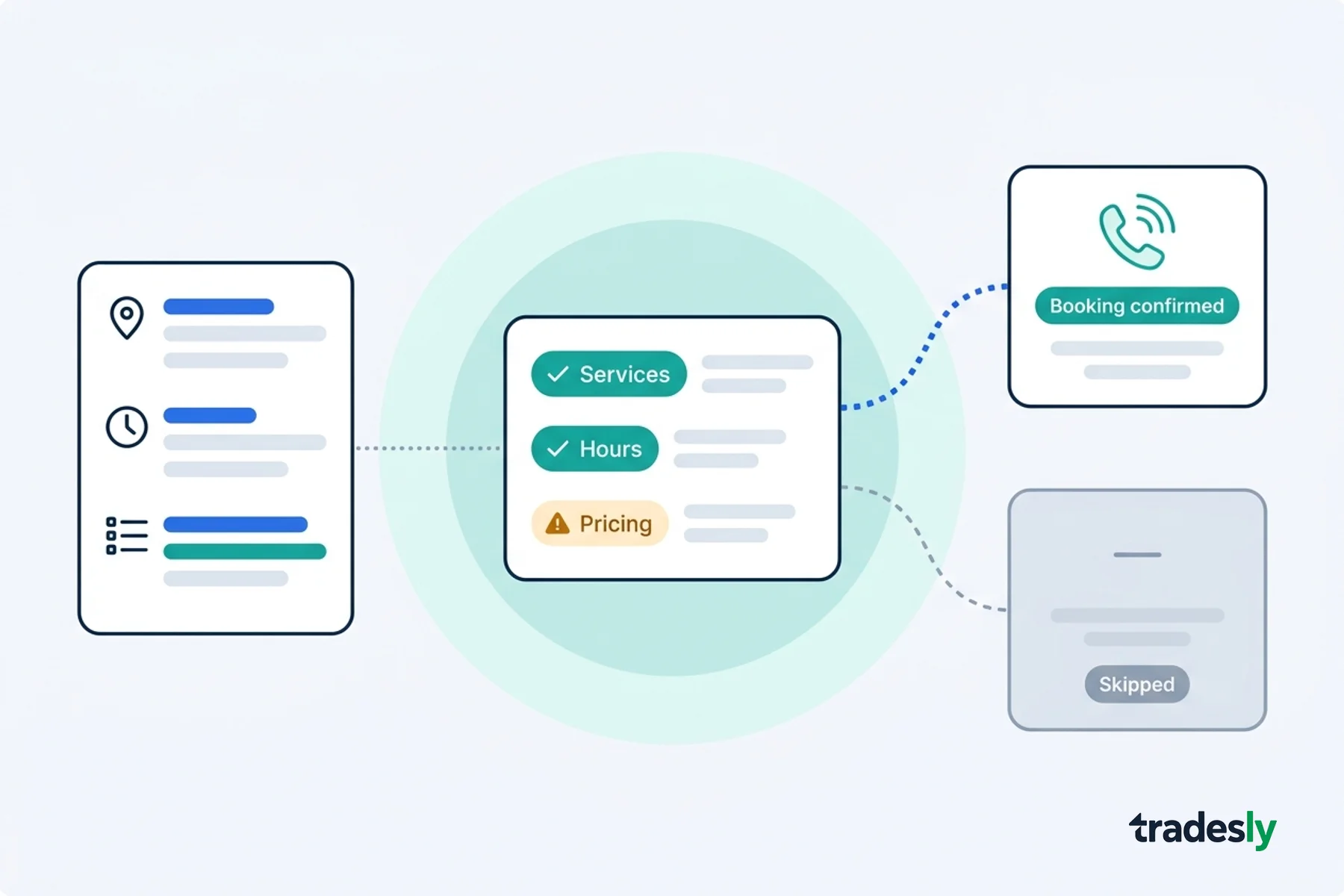
The Blacklist You Don't Know You're On: Google's AI Is Calling and You're Failing the Test
Google's AI is already calling your shop. Right now. In 2026. And most contractors are failing the test without ever knowing it happened.
This is Google's agentic booking and calling feature — Google's agentic layer for home repair, announced at I/O in May 2025 and rolling out across U.S. markets this summer. A homeowner asks Google to find an HVAC contractor. Google's AI agent picks up the phone and dials your shop on their behalf. No middleman. No search results page. Just a call.
You have 90 seconds to answer with a service type, price range, and availability. That's it. If you miss that window — voicemail, hold music, a CSR who says "let me have someone call you back" — the job is gone. The agent moves to the next shop on the list. You never see a missed call notification. You never know the lead existed.
This isn't bad luck. This is a preparation failure. And it's fixable today.
Google Agentic Booking is a feature that allows Google's AI to call local businesses directly on a consumer's behalf — collecting pricing, availability, and service details — and book appointments without the consumer ever making the call themselves. For home repair categories including HVAC, plumbing, and roofing, the agent scores Google Business Profiles before dialing and skips businesses with incomplete data.
What Google's Agentic Booking and Calling Actually Does When It Calls
How Google's AI Identifies Eligible Businesses
Before the phone rings, Google's AI scores your GBP: services listed, price ranges present, hours current, service cities named. Profiles that fail the score don't get dialed.
The 90-Second Rule
The bot opens with one structured question: service type, rough price, next available slot. You have 90 seconds to answer all three. Miss one element and the agent hangs up, routes to the next shop, and never calls back. Binary. No partial credit.
Is Google's AI really calling local businesses to get prices for customers?
Yes. Sundar Pichai announced it from the Google I/O stage on May 19, 2025. Google confirmed it in their own words: "For select categories like home repair, beauty or pet care, you can ask Google to call businesses on your behalf." Plumbers, roofers, and HVAC contractors were explicitly named. The pilot expanded to U.S. markets in summer 2026.
This one is different. It doesn't change who shows up in search results — it changes who gets called.
The bot runs a binary filter: did you answer within 90 seconds and provide structured pricing data? Yes or no. If no, the job routes to your competitor. Silently.
What happens if my business doesn't answer when Google's automated pricing agent calls?
The job disappears permanently. The agent doesn't leave a voicemail, doesn't call back, and doesn't give you a second chance. Worse, repeated failures flag your business as unreachable — suppressing your eligibility for future Google AI calls. That's the invisible blacklist. You keep ranking in Maps. You keep getting impressions. But the highest-intent leads never reach you.
A 2026 SearchLight Digital benchmark across 816 HVAC and plumbing contractors found non-branded search already costs $804 per paying customer. Fumbled bot calls make that math worse.
The three ways contractors are killing their own pipeline right now
I've watched this pattern destroy booking rates across shops that were doing everything else right. It comes down to three failures. Every one is a process problem, not a luck problem.
The voicemail trap
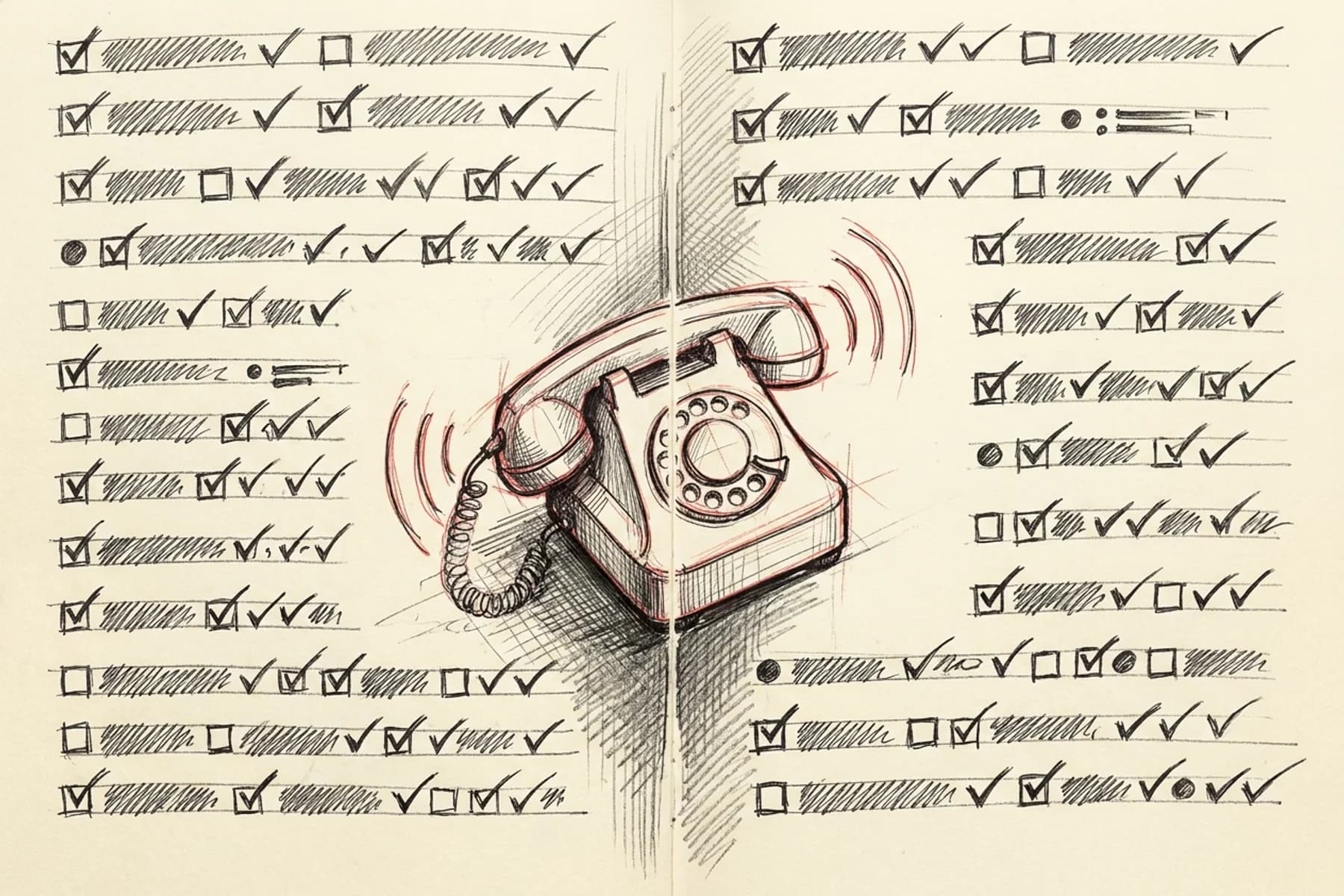
Any call that hits voicemail during business hours is an automatic fail. The bot does not leave messages and does not retry. This is the most common failure — and the easiest to fix, if you treat it as a discipline problem.
The empty profile blind spot
The agent scores your Google Business Profile before it dials — services, hours, pricing context, service-area cities. If those fields are empty, you never get the call. Nine out of ten top-ranking contractors have nearly empty Services lists, which means the ranking they paid for does nothing — Google Business Profile services data is the filter now.
The spam hang-up
Google's AI calls look like standard outbound calls — no special caller ID, no banner in your CSR's softphone. The operators most aggressive about blocking spam are also the most likely to block Google's AI. Your process for handling unknown inbound numbers is now a revenue decision.
How do I optimize my Google Business Profile so AI agents can book jobs with my company?
Build your GBP like a data feed. Three gaps kill most contractors:
- Services: Add 8–15 specific services in plain homeowner language, each with a "starting at" price range.
- Geography and hours: Every city you serve listed by name, hours accurate to the current week.
- Photos: 20-plus photos updated within 6 months — stale sets signal an inactive business to the scoring layer.
The Agentic Booking and Calling Readiness Audit: Run This on Your Shop Today
Work through these before the next bot call lands.
Step 1: Test your answer rate during business hours
You probably think your answer rate is fine. It isn't. Call your main line from an unknown number at 10am, 1pm, and 4pm on a Tuesday — if any call hits voicemail, you're failing. Target: live answer within 4 rings, 100% of posted hours.
Step 2: Audit your Google Business Profile services list
Go look at your Services list right now. I'll wait. If it's sparse, that's why you're invisible to Google agentic booking — add 8–15 specific services in plain homeowner language, each with a "starting at" price range.
Step 3: Check your booking link and hours accuracy
Your hours say you're open. Are they actually right? Confirm your booking link routes to real-time scheduling, not a contact form, and update your hours to the minute — the agent uses posted hours to decide whether to call.
Step 4: Train your front line on automated caller identification
Most CSRs will hang up on the bot thinking it's a robocall. That's a lost job. The bot identifies itself within the first sentence — train every CSR to stay on the line, provide a price range, confirm availability. No hold. No transfer.
Step 5: Plug after-hours coverage
Half your best leads come in after 5pm. If your shop goes dark, those jobs go to whoever doesn't. Extend your hours with real coverage or deploy an AI answering service for HVAC contractors — after-hours coverage is not optional in 2026.
Why is my contractor business not showing up in Google AI results even though I rank well?
Ranking in Maps and winning Google agentic booking are two different problems. Your SEO gets you on the list the agent considers. Your GBP data and your call handling determine whether the agent actually dials you. A contractor can sit at position one in Maps and still be invisible to the agentic layer because their Services list is empty, their hours are stale, or their line goes to voicemail. The ranking got you to the door. The profile and the phone process determine whether you get in.
How do I make sure my HVAC or plumbing company gets called when Google's AI is booking jobs?
Fix the GBP first. Then fix the call flow. Run the five audit steps above and you've handled both. The rest is about making sure no call — human or bot — ever goes unanswered.
The Call Flow That Handles the Bot — and Every High-Intent Caller
The Call Script That Passes the Test
The bot expects service type, price range, and availability — in that order. Any hold or transfer ends the call. Script for your CSRs: "Thanks for calling [Business Name]. We do offer [service]. Our typical range is [$X to $Y]. We have availability [today/tomorrow]. Would you like me to confirm a booking?"
Why Human-Only Front Lines Are a Structural Liability
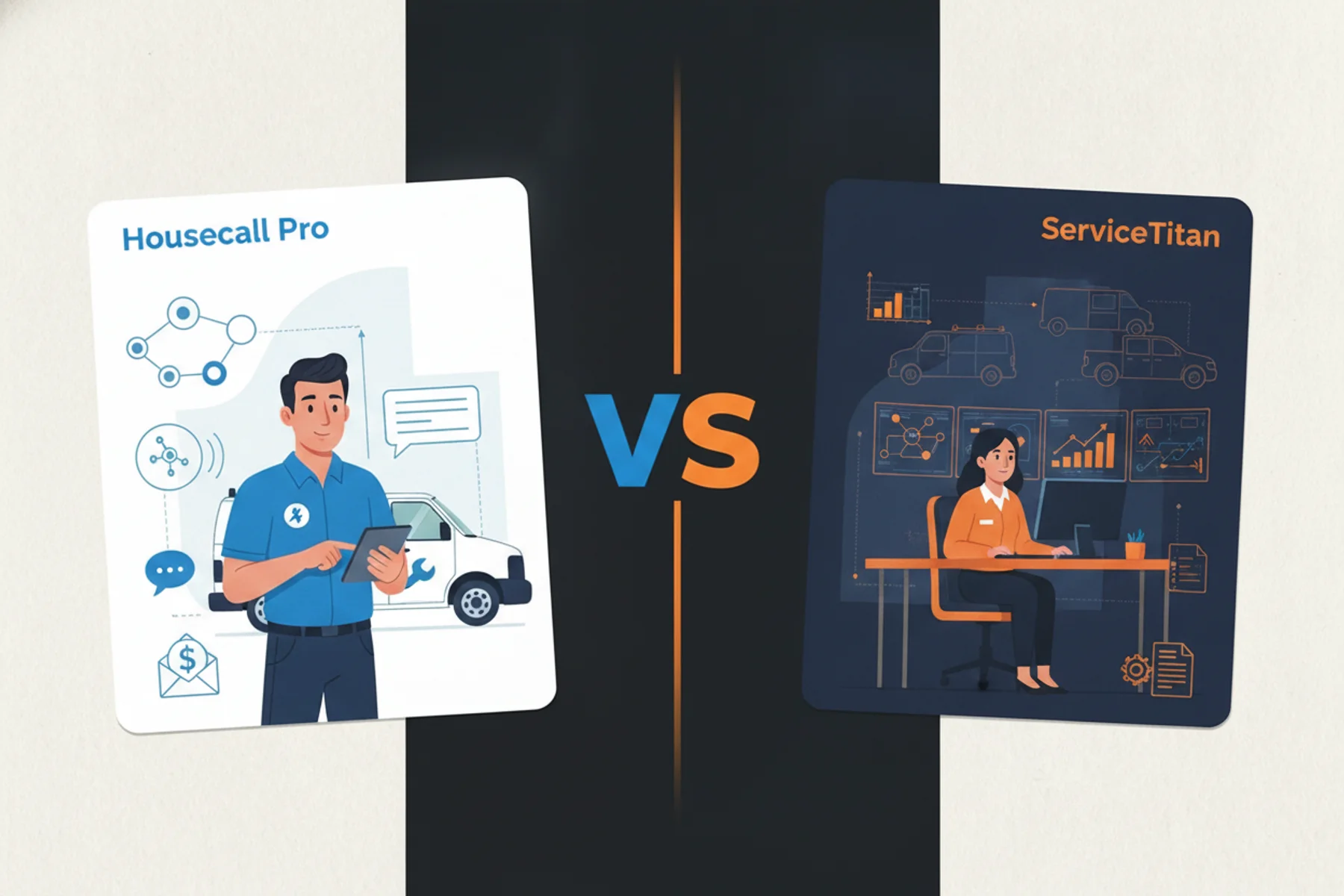
A trained CSR who's out sick fails the test. A voicemail greeting fails the test. Tradesly's AI Receptionist answers every call within 30 seconds, provides pricing ranges from your configured service data, and books directly into ServiceTitan or Housecall Pro. View pricing or Get a demo.
The operators who win this are the ones who prepared yesterday
Here's the recap. Five steps. Do them this week.
- Test your answer rate. No voicemail during posted hours. Ever.
- Rebuild your GBP Services list. 8–15 specific services with price ranges and every city named.
- Fix your booking link and hours. Real-time scheduling, accurate and current.
- Train your front line. Service, price range, availability — no holds, no transfers.
- Cover after-hours. Homeowners search at 9pm. Be there.
The contractors capturing Google agentic booking jobs right now aren't smarter. They're just prepared. The dispatch board filling up with jobs you didn't have to chase — jobs Google handed you because you were the only shop ready to take the call. That's what prepared looks like.
Being prepared is not the same as wanting. You can want more leads all day. Preparation is what gets them.
Stop guessing. Get a demo and see how Tradesly's AI Receptionist passes Google's agentic booking and calling test every time — 24/7, without a single call going to voicemail.
Want more on running a tighter front office? Read the blog.