


Google Ads Call Tracking for Home Services: The Step-by-Step Setup Guide
Phone calls convert at 46%. Google Ads call tracking tells Smart Bidding that. Without it, you're optimizing on your worst leads. Here's how to fix it in one afternoon.


A Phone Call Converts at 46%. Your Google Ads Don't Know That.
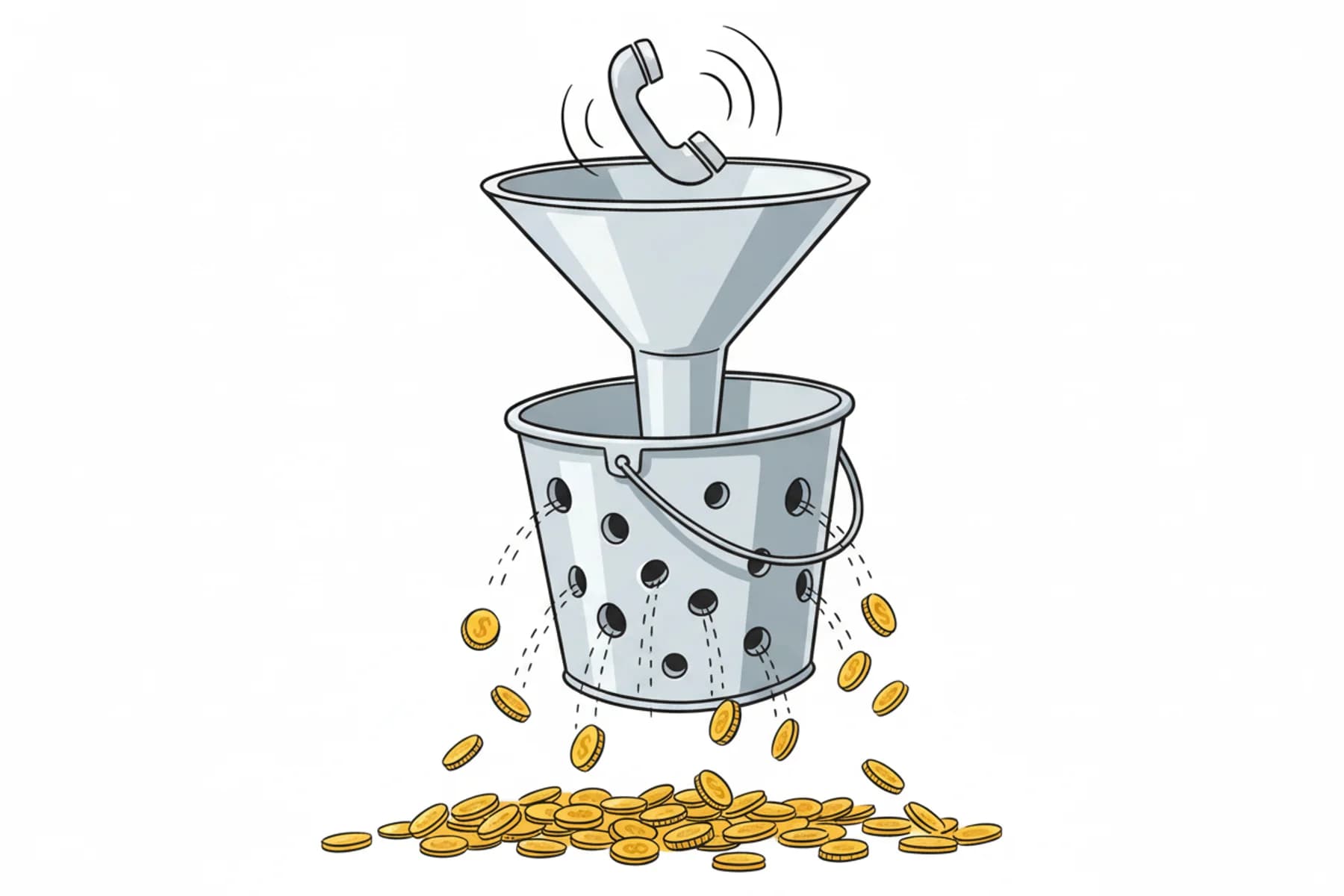
Here's a scenario I see constantly. An HVAC operator spending $3,000 a month on Google Ads, paying $104 per lead blended. Smart Bidding is running. Conversions are tracking. Everything looks fine on the dashboard. Except their Smart Bidding algorithm has never seen a single phone call. It is optimizing on 30% of their actual leads — the form fills — while 60–70% of real inquiries come in by phone and disappear into a black hole.
Google Ads call and conversion tracking for home services is not a reporting feature. It is the engine that tells Smart Bidding which leads are worth chasing. Without it, you are not running a Google Ads campaign. You are running a very expensive guessing game. HVAC Google Ads conversion tracking is especially critical because phone calls — your highest-converting lead source — are invisible to the algorithm by default.
This guide shows you exactly what to fix, in what order, and why the math gets ugly fast if you don't. It focuses on HVAC, plumbing, and electrical businesses — though the same measurement approach applies to any local service business that closes work after the first phone call.
One more thing before we start: this is a guide to standard Google Ads call tracking, not a setup guide for Google Local Services Ads (LSA). LSA has its own reporting system. Don't assume the same settings apply to both.
The most expensive mistake in your Google Ads account
When phone calls are not tracked as conversions in Google Ads, Smart Bidding misses an estimated 60–70% of your actual leads, according to Valley Marketing Group's 2026 HVAC benchmarks. That is not a rounding error. That is your campaign running on one cylinder while you pay for the full engine.
The stakes are real. HVAC non-branded CPL hit $149 as of Q1 2026. CPL rose for 69% of home services businesses year over year — by an average of 10.51%, per the BaaDigi HVAC Marketing Benchmarks 2026 report. If your cost per lead climbs every year and you are not tracking calls, you are not solving the right problem. You are funding the wrong optimization loop.
The fix starts with understanding how your cost per lead connects to call intake performance — because the tracking problem and the intake problem are two sides of the same coin.
| Calls Tracked | Calls Untracked | |
|---|---|---|
| What Smart Bidding sees | Calls + form fills (100% of leads) | Form fills only (~30% of leads) |
| Optimization target | Your highest-converting lead source | Your lowest-converting lead source |
| CPL trend | Declining or stable as bids improve | Rising — algorithm chases wrong signals |
| Data in your dashboard | Full conversion picture | Partial view; calls invisible |
| Risk of wasted spend | Low | High — budget starves phone-driven keywords |
Why phone calls are your best leads — by a wide margin
Phone leads convert at roughly 46%. HVAC websites convert at approximately 7.8% on average, per the BaaDigi HVAC benchmark dataset. That is not a small gap. That is a 6x difference in close rate between your two most common lead sources.
Google Ads call conversion tracking is the process of configuring Google Ads to recognize phone calls generated by your ads as measurable conversion events — so Smart Bidding can optimize toward the leads that actually become booked jobs, not just the clicks and form fills it can see by default.
The LocaliQ 2025 benchmark (3,211 U.S. campaigns) puts the average conversion rate for home services search ads at 7.33%. CVRs dipped for 10 of 16 home services subcategories year over year. The gap between phone and form is widening, not closing.
Now layer in CLV. An HVAC customer relationship is worth approximately $15,340 over time. A fumbled or missed call is not a $104 loss. It is a potential $15,000 loss compounded across every future job, maintenance agreement, and referral that customer would have generated.
The practical implication is brutal: if Smart Bidding is optimizing toward form fills because calls are untracked, it is systematically starving your highest-converting lead source of budget. You are training the algorithm to chase your worst leads.
One caveat worth naming now: the 46% phone conversion benchmark assumes the call is answered and handled competently. That caveat matters. We'll come back to it.
Does Google Ads track phone calls automatically, or do I have to set it up?
You have to set it up. Google Ads does not automatically track phone calls as conversions. A click on your phone number records a click — not a call, not a booking. Without a configured call conversion action, Smart Bidding has no idea your phone rang.
What You'll Need Before You Start
- Google Ads account with admin access
- Google Tag Manager on your site — or direct website access for manual tag implementation
- A phone number on your site and in your ads that Google can forward
- Tracking tool: Google forwarding numbers are free and work for most operators under $3,000/month ad spend. Above that threshold, CallRail or WhatConverts add call recording, keyword-level attribution, and CRM sync. Start with native tracking. Upgrade when volume justifies it.
How to Set Up Google Ads Call and Conversion Tracking for HVAC and Plumbing
Setting up call conversion tracking plumbing and HVAC operators rely on takes five steps: create a phone call conversion action, set a minimum call duration of 90 seconds, add call assets to your campaigns, enable call reporting at the account level, and run a test call to verify the setup. This Smart Bidding call tracking setup takes under two hours if your account access is in order.
| Step | Where in Google Ads | Key Setting |
|---|---|---|
| 1. Create conversion action | Goals → Conversions → New | Type: Phone Calls; set to Primary |
| 2. Set call duration | Conversion action settings | 90 seconds minimum |
| 3. Add call assets | Campaigns → Assets | Apply at account or campaign level |
| 4. Enable call reporting | Tools → Measurement → Call Reporting | Toggle On |
| 5. Verify with test call | Google Tag Assistant | Fire on all landing pages, not just homepage |
Step 1: Create a phone call conversion action
In Google Ads: Goals → Conversions → New Conversion Action → Phone Calls. Choose Calls from ads using call extensions for mobile, and Calls to a phone number on your website for website calls — these are separate tracking paths, set up both if you run both.
Step 2: Set your minimum call duration
Set it to 90 seconds — anything shorter counts hang-ups as conversions, corrupting your Smart Bidding data.
Step 3: Add call assets to your campaigns
Call extensions are now called call assets. Add them at the campaign level or account level — run them on all search campaigns. If you run call-only ads, calls are tracked by default, but you still need the conversion action set up or they will not feed Smart Bidding.
Step 4: Enable call reporting at the account level
In Google Ads: Tools → Measurement → Call Reporting → On. This surfaces call duration data and enables Google forwarding numbers.
Step 5: Verify tracking is firing correctly
Run a test call from a mobile device using Google Tag Assistant — verify it fires on every landing page your ads send traffic to, not just your homepage.
While you're in the account, check whether Google LSA charges you for missed calls — here's what that costs on the LSA side of your spend, since the two products account separately.
Reading your call conversion data: what the numbers actually mean
Once tracking is live, watch these specific things — not the overall conversion total.
All conversions vs. Conversions: If call conversions appear in All conversions but not in Conversions, you set your call action to Secondary instead of Primary. Fix this or Smart Bidding will still ignore your calls. This single misconfiguration is one of the most common reasons call tracking "works" but has zero effect on bidding.
Call conversion rate by keyword: Some keywords drive clicks that never call — these are form-fill keywords. Others drive direct calls. Treat them differently in your bidding strategy. Don't apply one blended CPL target across both.
If you are not tracking call conversions by keyword, you cannot see which campaigns are bleeding and which are converting. Your dashboard shows a conversion — it does not tell you whether that call booked, went to voicemail, or was mishandled by your CSR. Read profit per call: the metric your Google Ads dashboard won't show you and where phone calls fit inside the home services marketing funnel for the full picture.
What Is a Good Call Conversion Rate for HVAC Google Ads Campaigns?
On call-asset campaigns, 15–25% of clicks converting to calls is a reasonable benchmark range. That said, booking rate against qualified calls is the more meaningful metric — a high call conversion rate means nothing if those calls don't book.
Why is my Google Ads CPL so high for home services?
Home services Google Ads CPL climbs when Smart Bidding optimizes on an incomplete data set. When phone calls go untracked, the algorithm bids aggressively for leads it can see — form fills — while ignoring the call-based leads that convert at 6x the rate. The result is rising CPL on a narrowing slice of your actual demand. Fix the tracking first. Then evaluate the bidding strategy.
The other side of the tracking problem: calls that never get answered
Call conversion tracking solves the data problem. It does not solve the answer rate problem. These are two different problems and they require two different fixes.
Research from Contractor In Charge puts the missed-call rate for small-to-mid home service businesses at approximately 62%. During HVAC peak season — an 8-week window that can represent 34% of annual revenue — the rate climbs higher.
The math is not comfortable. If your blended HVAC CPL is $104 and you are missing 62% of the calls your ads generate, your effective CPL on booked jobs is not $104. It is closer to $274. That is before you factor in the $15,340 CLV of the customer you did not book.
There is also a tracking trap to watch for. A call that reaches your Google forwarding number and rings out still generates a call record. If your minimum duration threshold is too low, that missed call gets counted as a conversion. You are documenting your own losses and calling them wins.
This is a process discipline issue, not a tech issue. The tracking is fixable in an afternoon. The answer rate problem requires a decision about how your front line operates — better-trained CSRs, overflow coverage, after-hours handling, or some combination.
Put a number on it now: calculate what your missed calls are actually costing you.
How do I know if my Google Ads are generating booked jobs, not just clicks?
You need to trace each call past the conversion event and into your scheduling or CRM system. A tracked call that meets your duration threshold is evidence of a conversation — not a booking. To confirm booked jobs, compare your Google Ads call data against your actual job records at regular intervals. Keyword-level call conversion rate is your starting point. Booking rate against qualified calls is the number that actually matters.
Summary: what to do this week
No fluff. Here is the action list.
- Log into Google Ads. Check Goals → Conversions. If you do not have a phone call conversion action set to Primary, create one today. Not next week. Today.
- Set minimum call duration to 90 seconds. Non-negotiable for home services. Compare against real booking records before you change it.
- Enable call reporting at the account level. Tools → Measurement → Call Reporting → On.
- Run a test call from a mobile device. Verify it fires before you trust the data. Verify it fires on your actual landing pages, not just your homepage.
- After 30 days, pull call conversion rate by keyword. Reallocate budget toward keywords driving calls, not just clicks.
- Put a dollar figure on your current exposure. Calculate what your missed calls are costing you. That number is your baseline before you touch a setting.
- Audit your answer rate separately. Tracking calls you are not answering is not a win. It is a documented loss.
The operators winning in 2026 are not spending more on Google Ads. They are capturing more of the calls their current spend already generates. That starts with Google Ads call and conversion tracking set up correctly — and ends with a front line that can actually close the calls coming in.
Accurate reporting depends on both tracking and dependable operational records. Whether AI, people, or both handle your calls, the team needs clear qualification rules and verified booking outcomes. Your front line needs fixing too. Stop guessing. Get the demo.
Keep reading
 Marketing & Lead Gen
The Google LSA Math: How Much is a Poor Call-Intake Process Costing Your HVAC Shop?
14 min read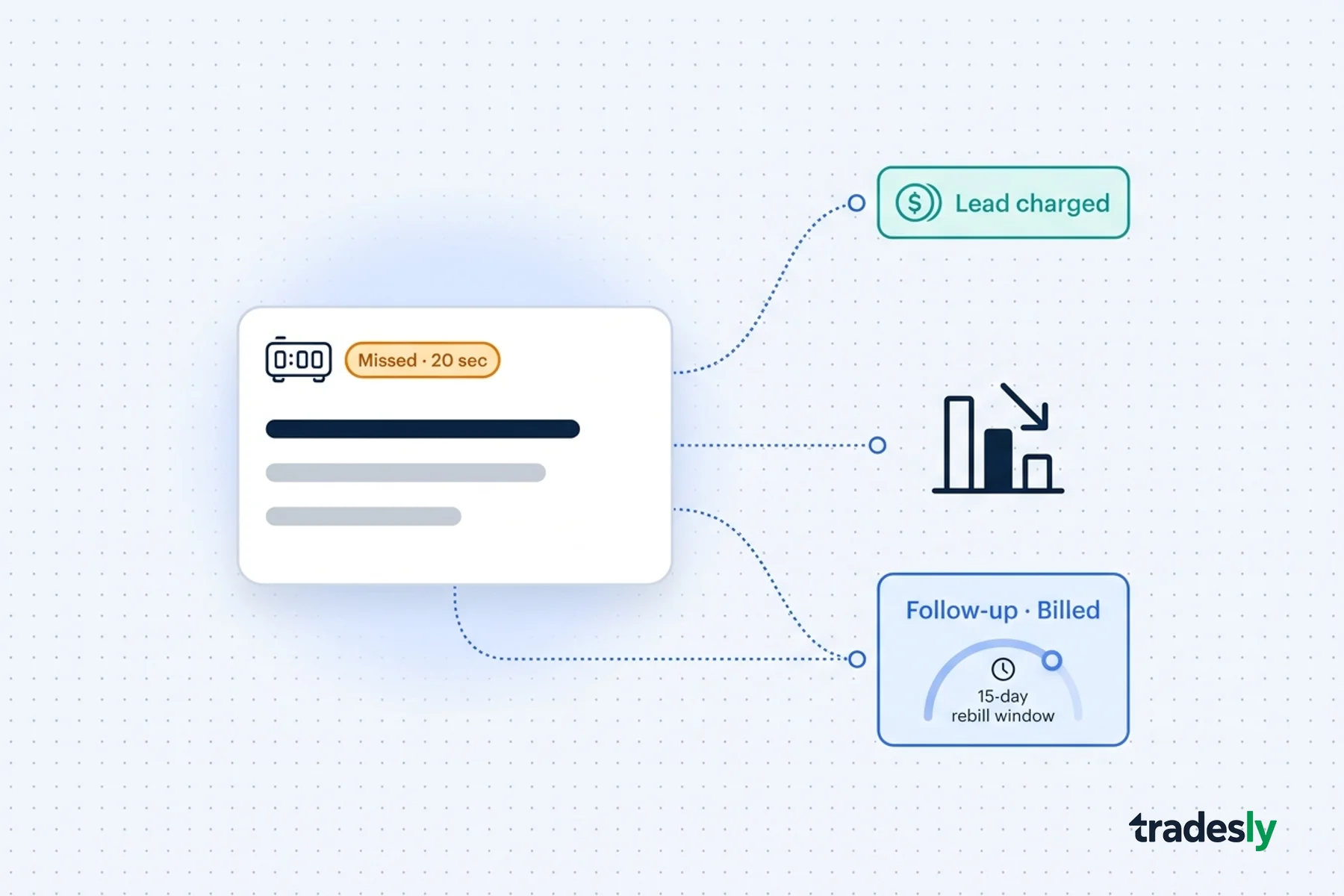 Marketing & Lead Gen
Google To Charge Local Businesses For Missed & Subsequent Calls On LSAs
11 min read Marketing & Lead Gen
Google LSA Missed Calls Cost You Twice - Here's How to Stop It
12 min read